
Botwick inception
My AI friend Botwick (not to be confused with the person John Borthwick) built a really neat website that shows all sorts of various networks that Botwick (and thus Borthwick) share. It is built by immaculately coordinating a collection of notes that have been collected over decades and decades. Seeing it made me really jealous, and I wanted my own! Harpwick was no help. I was on my own.
extraction
I booted up my obsidian vault and was sad. My last note was from 2022, and it was a daily note with only one word in it: hungry.
Turns out I didn’t have good notes in obsidian.
However, I do have great notes in granola! And by great notes I mean transcripts of all my meetings since I got a beta of granola back in April of 2024.
I took the ~600 or so meetings I have had since then and piped them through a Claude Code skill and BAM. I now have a knowledge graph that I can be proud of!
I will explain how to do this in a sec, but first I want to show you pretty graphics!
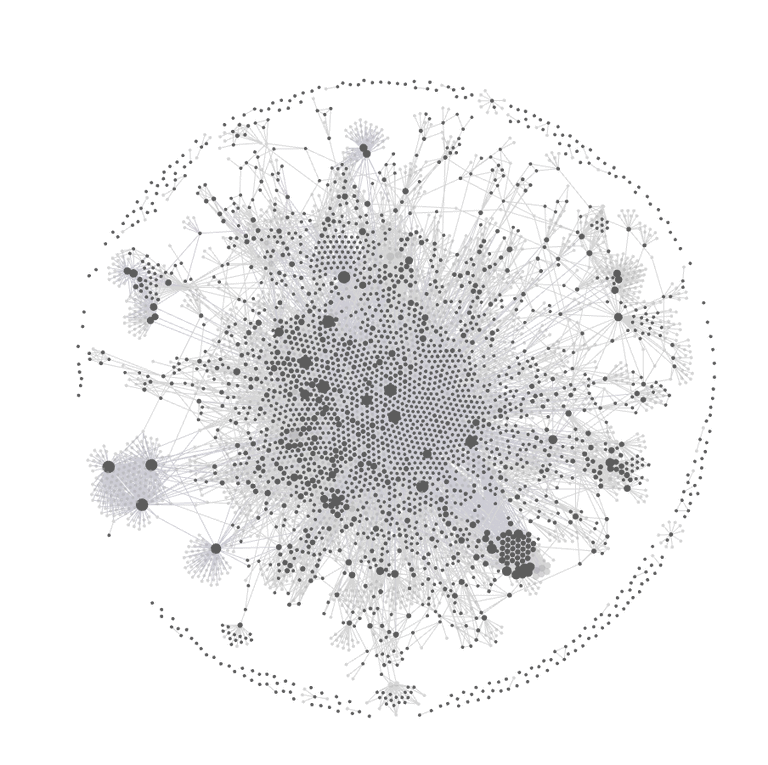
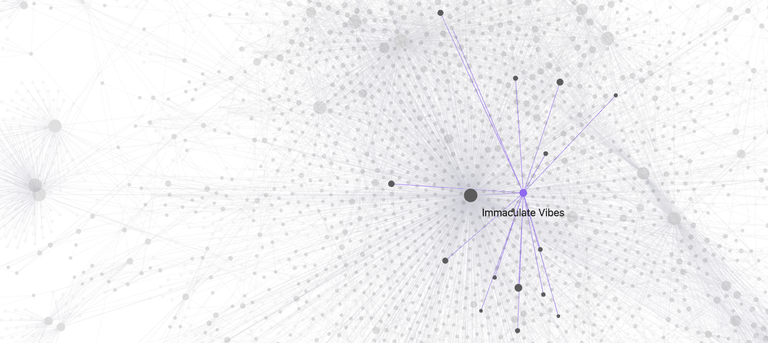
Here is my network (these are all generated with the build in obsidian graph viewer):
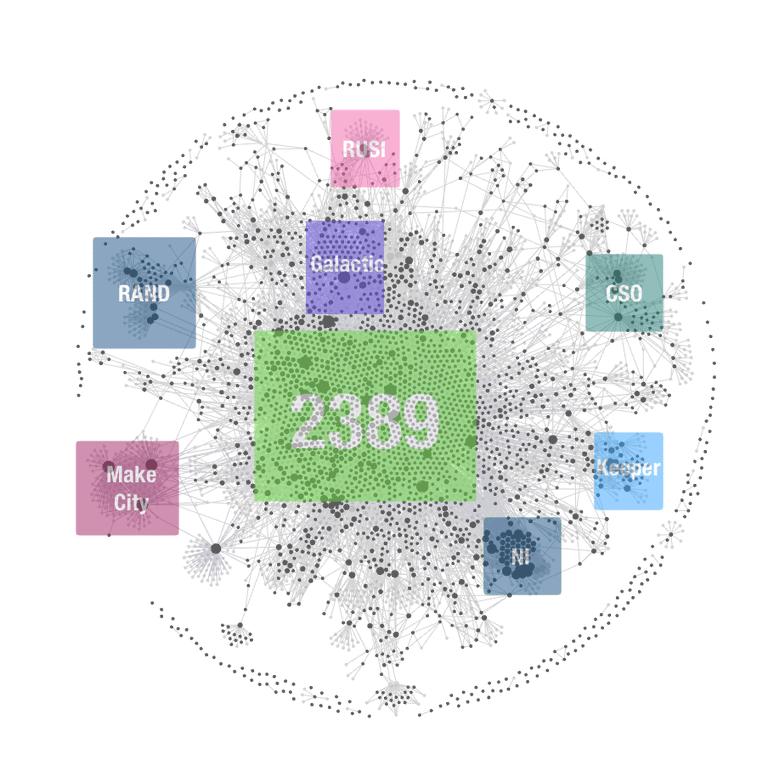
In my graph, nodes represent people and concepts extracted from meetings, and edges represent co-occurrence within the same meeting.
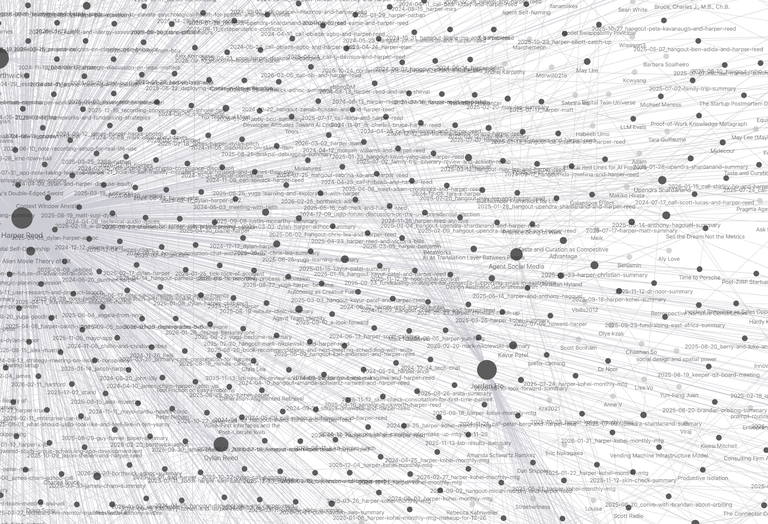
Here are some nodes that show up very easily.
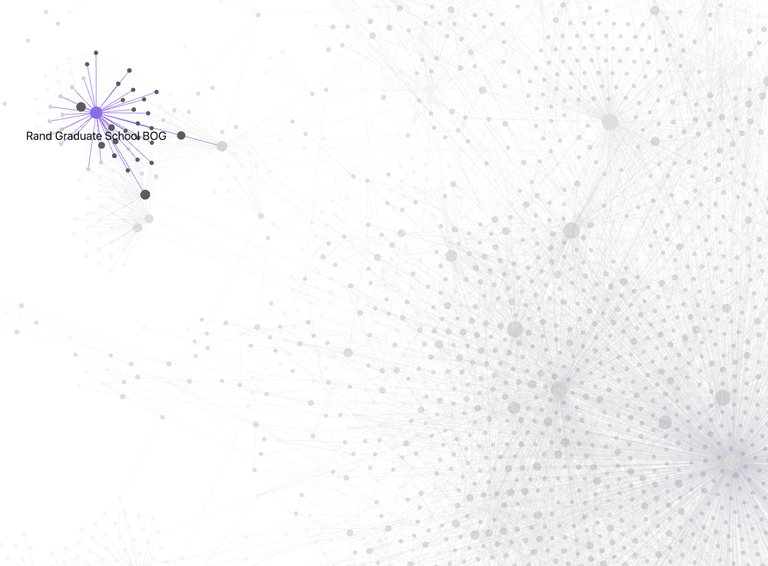
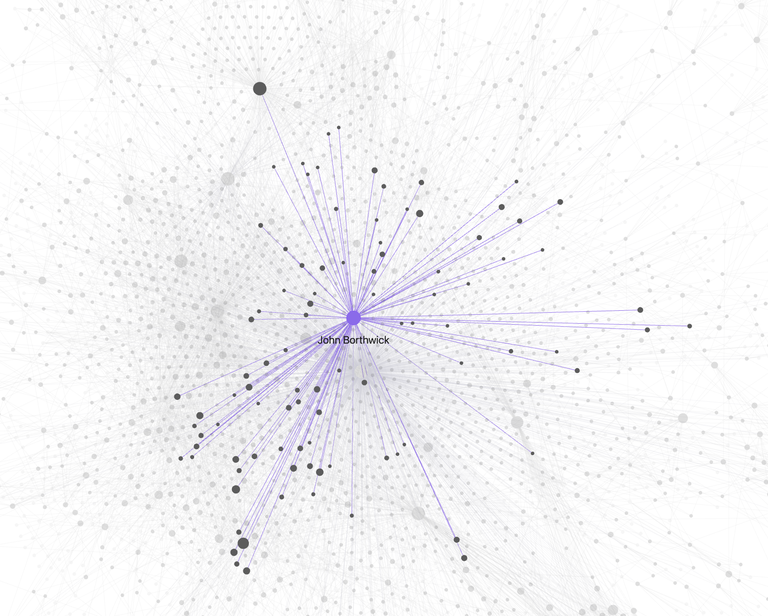
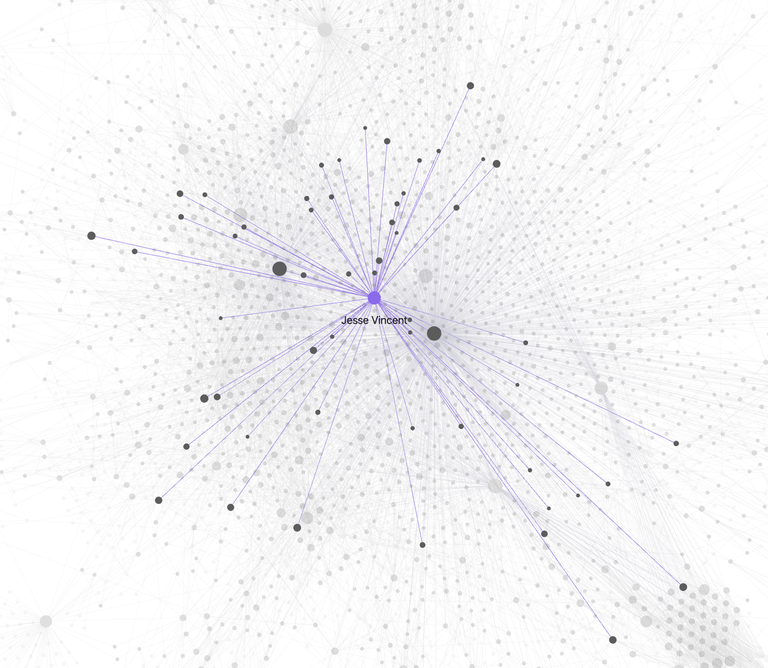
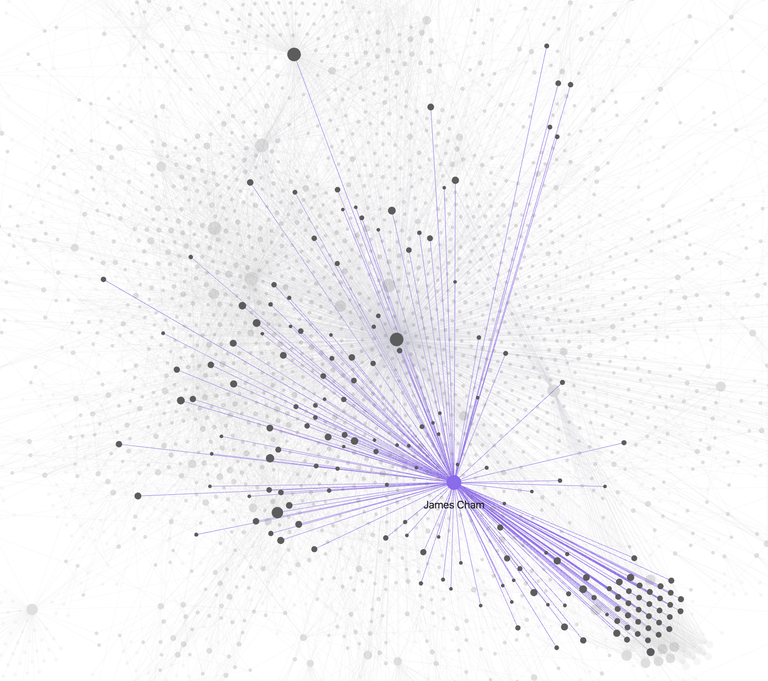
This is all from just my granola transcripts. I haven’t added my notes app notes, or any other repository of data.
Amaze
I find this incredible. I get to see and find patterns, networks, and clusters that i never knew existed. It is also one of those thigns that you probably know and are working wiht implicitly - but visuallizing it helps to quantify the strength and density of these relationships.
HOW!
It isn’t so hard.
The tools you will need are:
- Granola (or another meeting note tool that outputs transcripts)
- Obsidian (or another note-taking app that is file based)
- Claude Code (or another AI code gen assistant)
- A healthy fear of capitalism
1. Stop over-optimizing organization
The first thing is giving up on rigid organizational discipline. I don’t know if this is the right reading of Steph Ango’s post on how they use Obsidian - but it really resonated with me. Laziness is key. Just make it work for you.
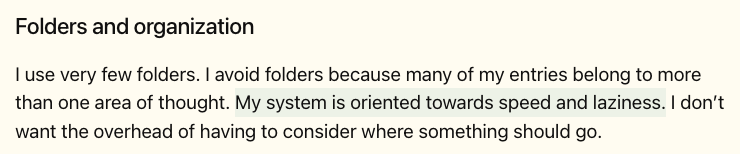
Do not waste energy forcing everything into some perfect predefined system. Put things where they fall, not where some abstract framework says they should go. The system should follow your work, not the other way around.
2. Use an interface that feels conversational
Your interface should feel more like Claude than a traditional file browser or note-taking app.
You want something that lets you move quickly, inspect information, and work with transcripts and notes in a natural way instead of constantly managing folders, tags, or metadata.
I prefer to not do this by hand.
3. Get transcripts out of your meeting tool and onto disk
Next, you need a reliable way to export or sync transcripts from whatever meeting tool you use.
I use muesli, a Rust CLI I wrote, to extract Granola transcripts and store them locally. There are lot of tools. The Granola native MCP server should work too.
You can install muesli via cargo install --git https://github.com/harperreed/muesli.git --all-features.
The key idea is simple: transcripts need to exist as local files you can process. Once they are on disk, everything gets easier.
harper@magic [†] ~/ > muesli sync
Initializing embedding engine...
✅ Embedding engine ready (dimension: 384)
Loading existing vector store...
Fetching document list...
Notes: 499 with AI summary, 656 with user notes (of 656 total)
[##--------------------------------------] 25/656 docs
It kind of just works. The notes end up being stored in your systems XDG directory (approximately ~/.local/share/muesli).
4. Parse the transcripts into an Obsidian-friendly format
Once transcripts are local, run them through a parser that turns them into structured notes designed for Obsidian.
You can use our meeting summarization skill for this: https://skills.2389.ai/plugins/summarize-meetings/
Or you can build your own. It is not super difficult to do.
As an aside, the best way to build a skill is to start doing the work manully with claude, and the to tell claude to build a skill out the previous few rounds of work. Use the superpowers skill writing skill to automate this process.
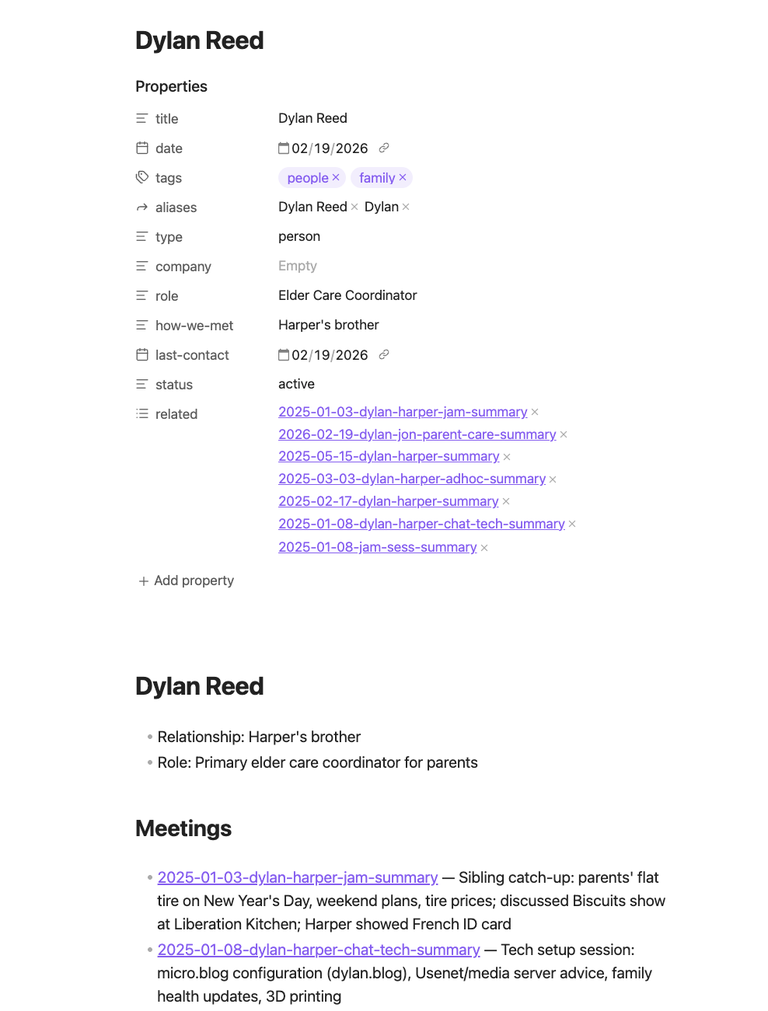
The important part is being explicit about the output format. The parser should produce notes that work well in Obsidian, including things like:
- meeting summaries
- extracted people
- extracted concepts and topics
- use [[ and ]] to establish links between related notes
- knowledge-graph-friendly structure
- clean markdown with consistent naming
4.5 Get the skill to work
I typically just say “use the meeting summarization skill to parse my recent meetings” and it kind of just figures it out.
you just need claude to know two things:
- where the transcripts are stored, and
- where it should store the parsed notes.
Once that is clear you are ready to rock.
Here is an example of what the output might look like:
5. Let it churn
Once that pipeline is in place, the process becomes mostly automatic:
- transcripts get exported
- transcripts get parsed
- notes get automagically generated into your Obsidian vault
- entities and concepts get linked
- the graph starts building itself
At that point, you stop manually curating everything and start benefiting from accumulated structure.
Magic
The result is a pretty wild knowledge graph built from your transcripts. It is important to note that this could work with any transcript source, not just Granola. More importantly, it coudl work with any asset - even non-textual assets like images or videos.
Your messy input ends up becoming a connected system of:
- summaries
- people and concepts
- strategic themes
- references across meetings, people, etc
Suddenly the patterns emerge
If this type of thing is interesting and you want to learn more, hack, or work with us - hit me up at harper@2389.ai.